


Teachers
Plan, teach and check work without the late nights.
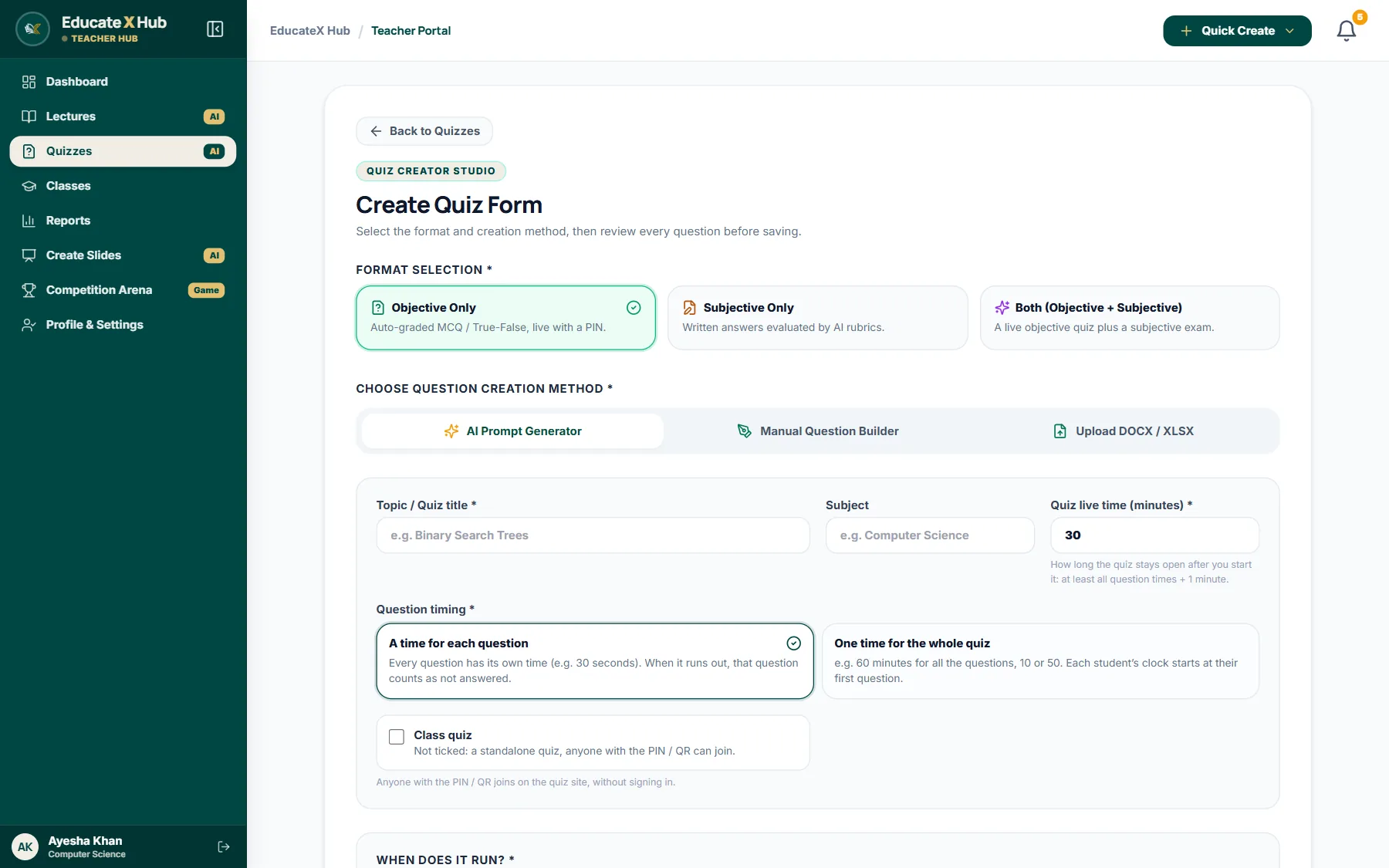
- Lecture plans and slide decks from a topic
- Quizzes that run live, on a schedule or as a draft
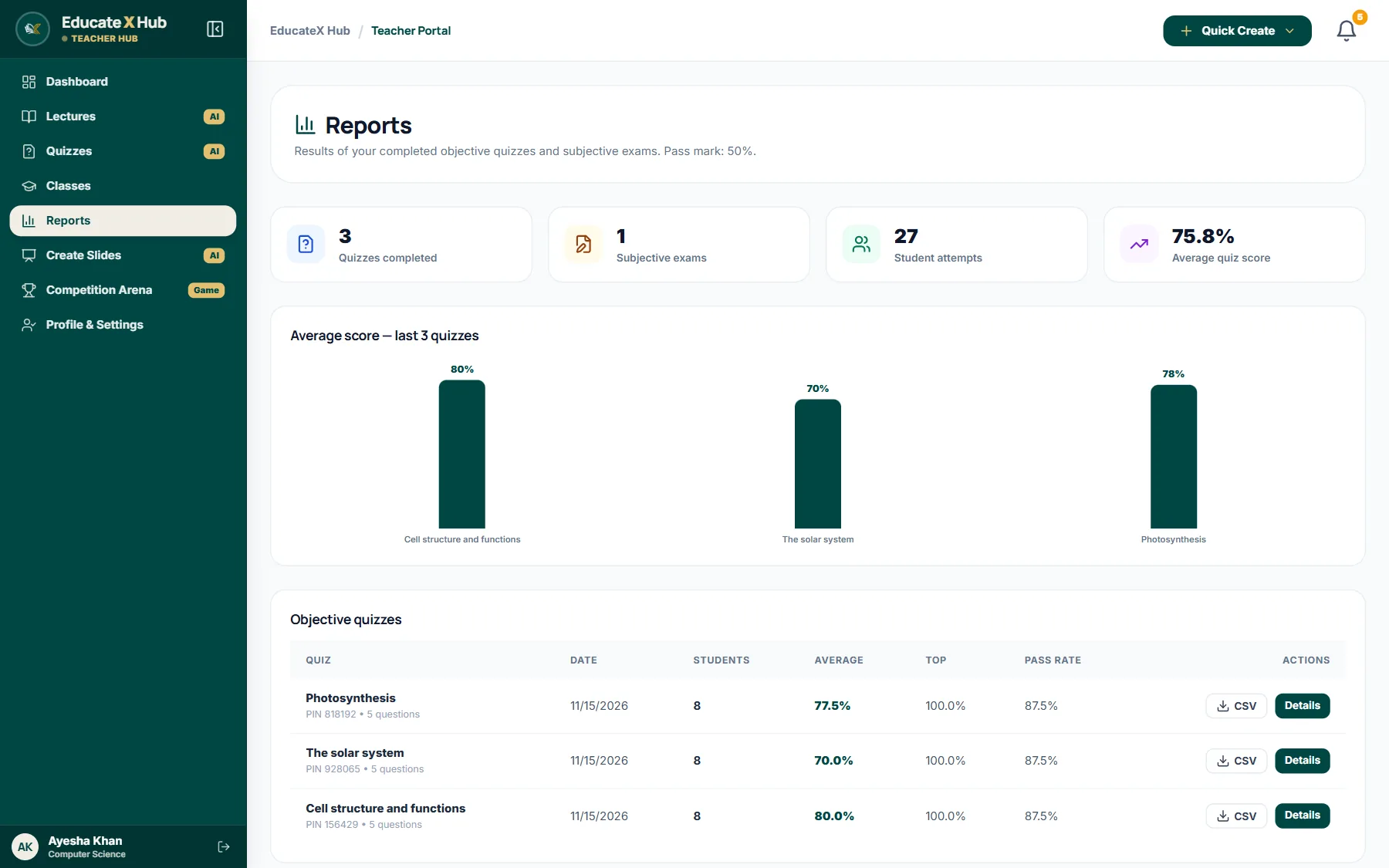
- Written answers marked against your rubric
Teachers plan lectures, slides and quizzes with AI. Students learn any topic step by step and practise on their own. Then the whole class turns the lesson into a live game.
Who it is for
Teachers, students and competition hosts use the same EducateX Hub, each with a space made for them.
Plan, teach and check work without the late nights.
Learn any topic at your own pace, then test yourself.
Run a live quiz game for a class, a club or a whole school.
Features
Nine things teachers and students use every week, all inside one account.
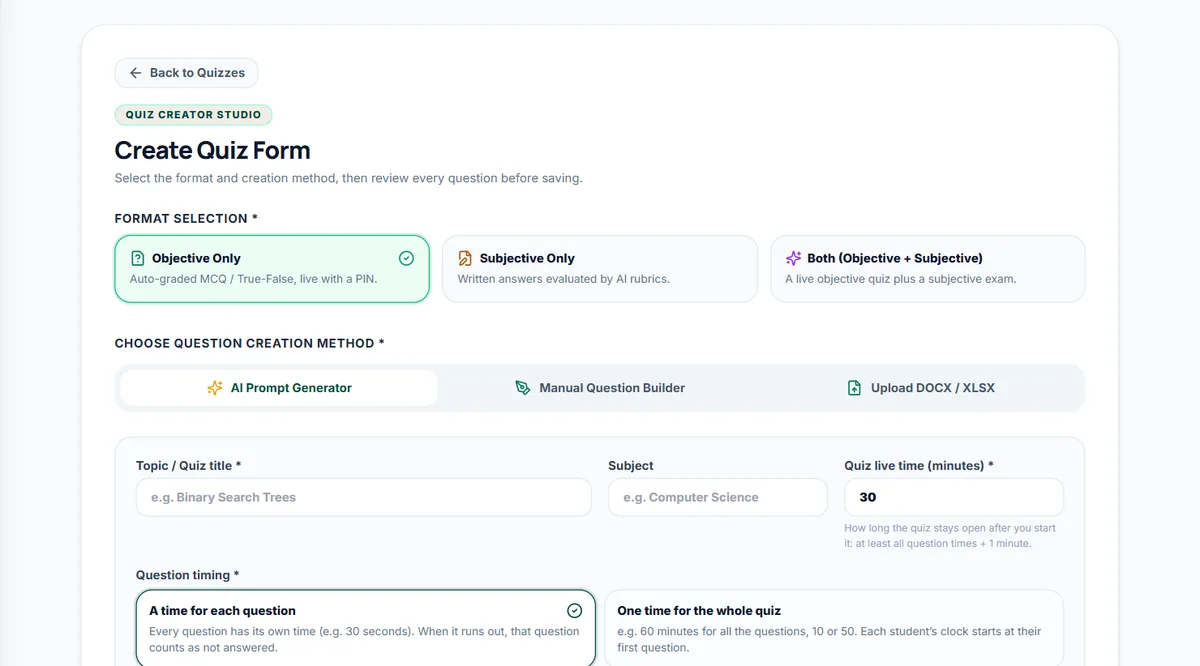
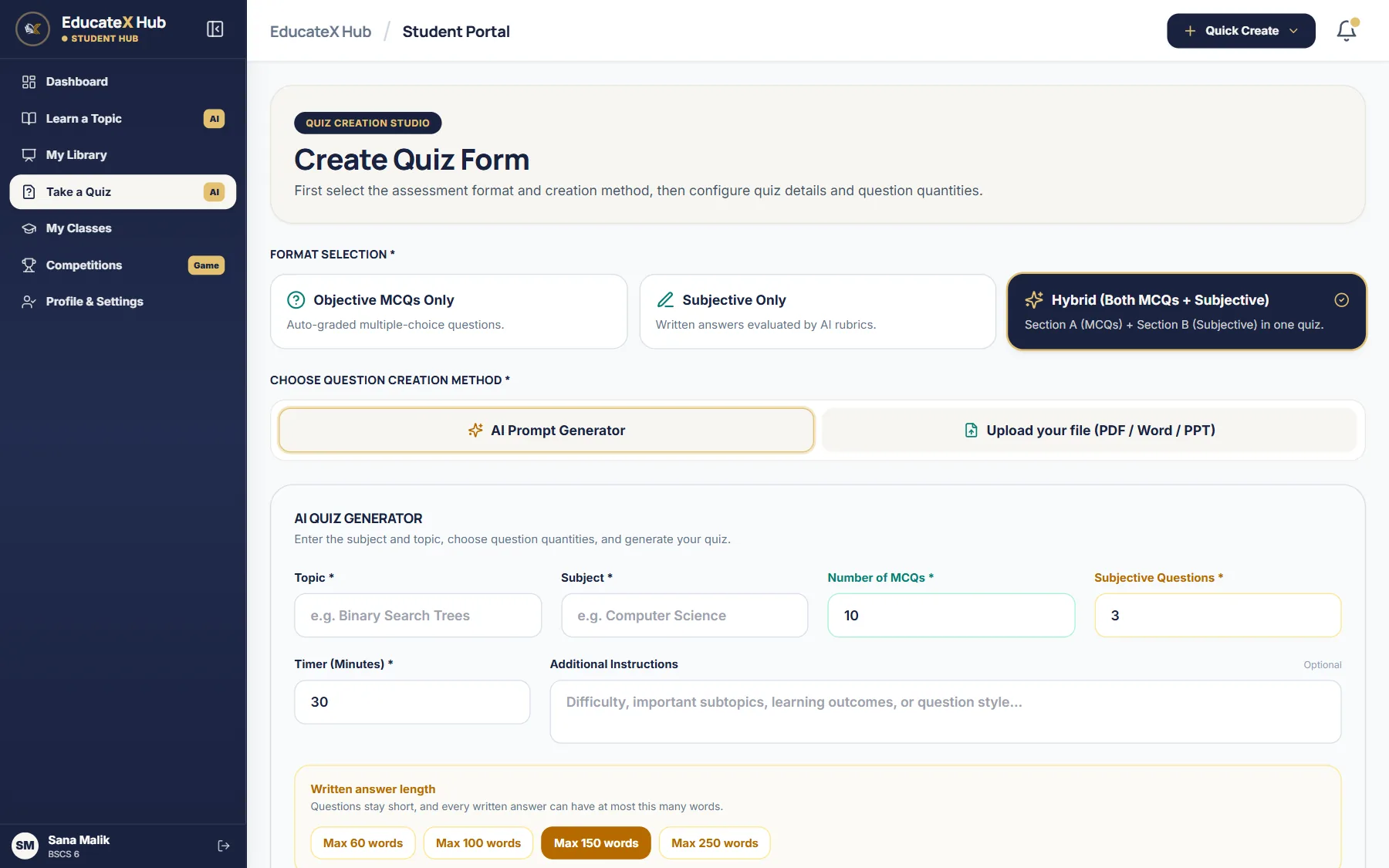
Write a topic or upload a paper. AI drafts MCQs, true or false and fill in the blanks, and you check each one.
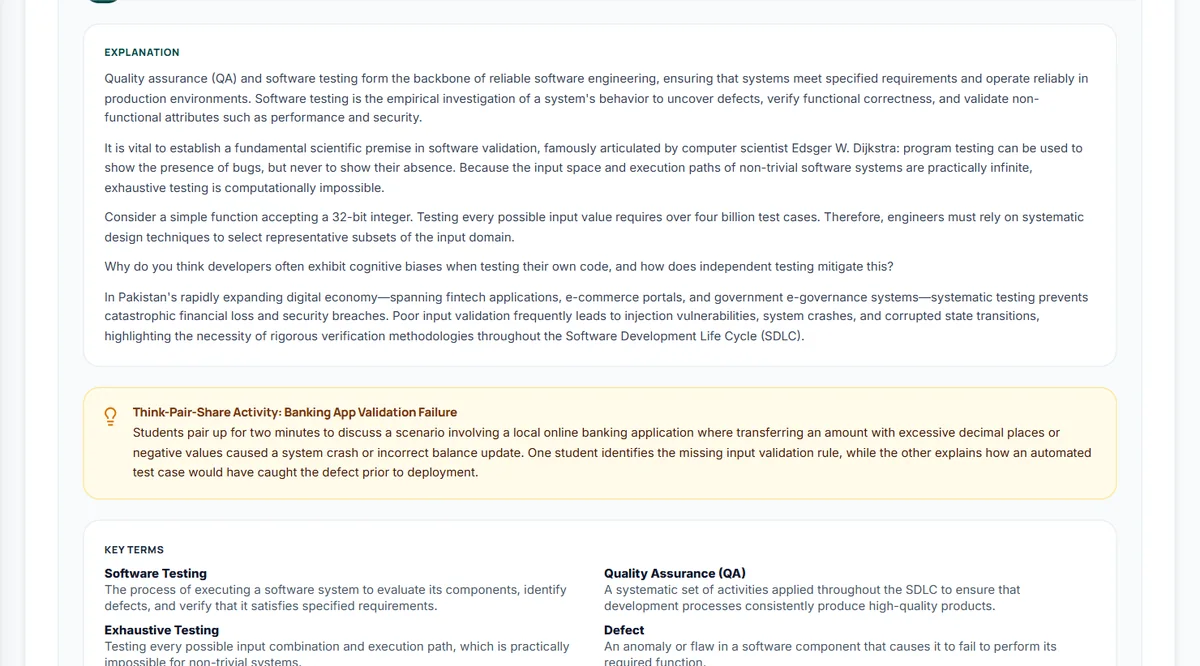
Give a topic and the class time. AI writes a timed lecture plan with objectives, activities and notes.
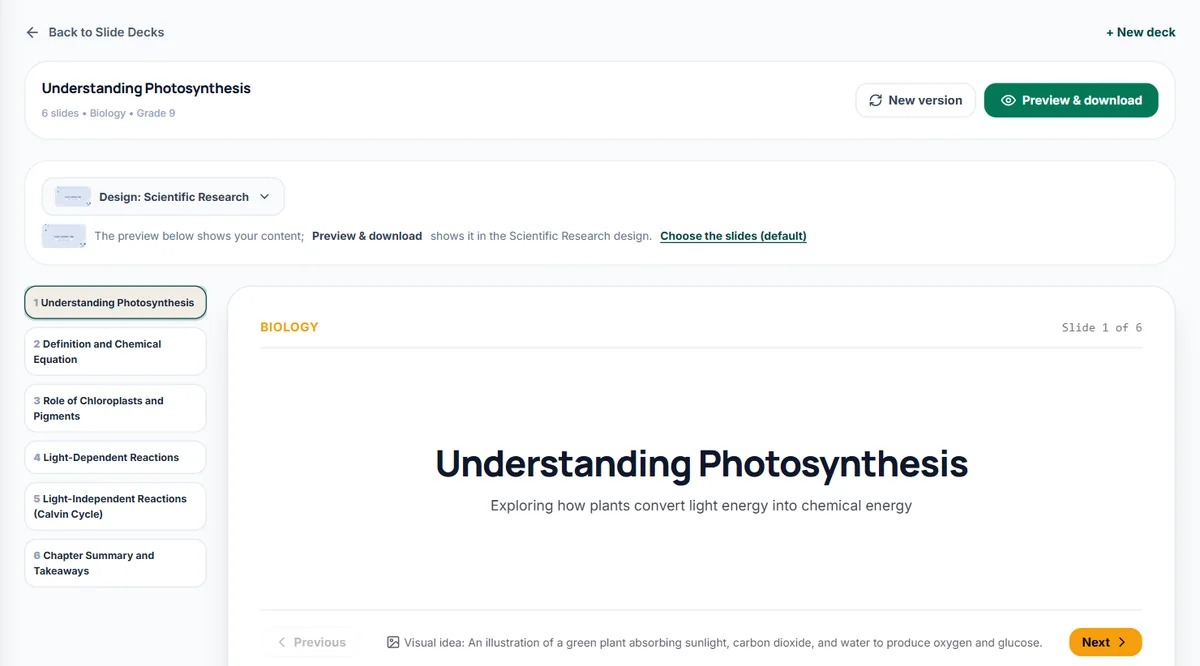
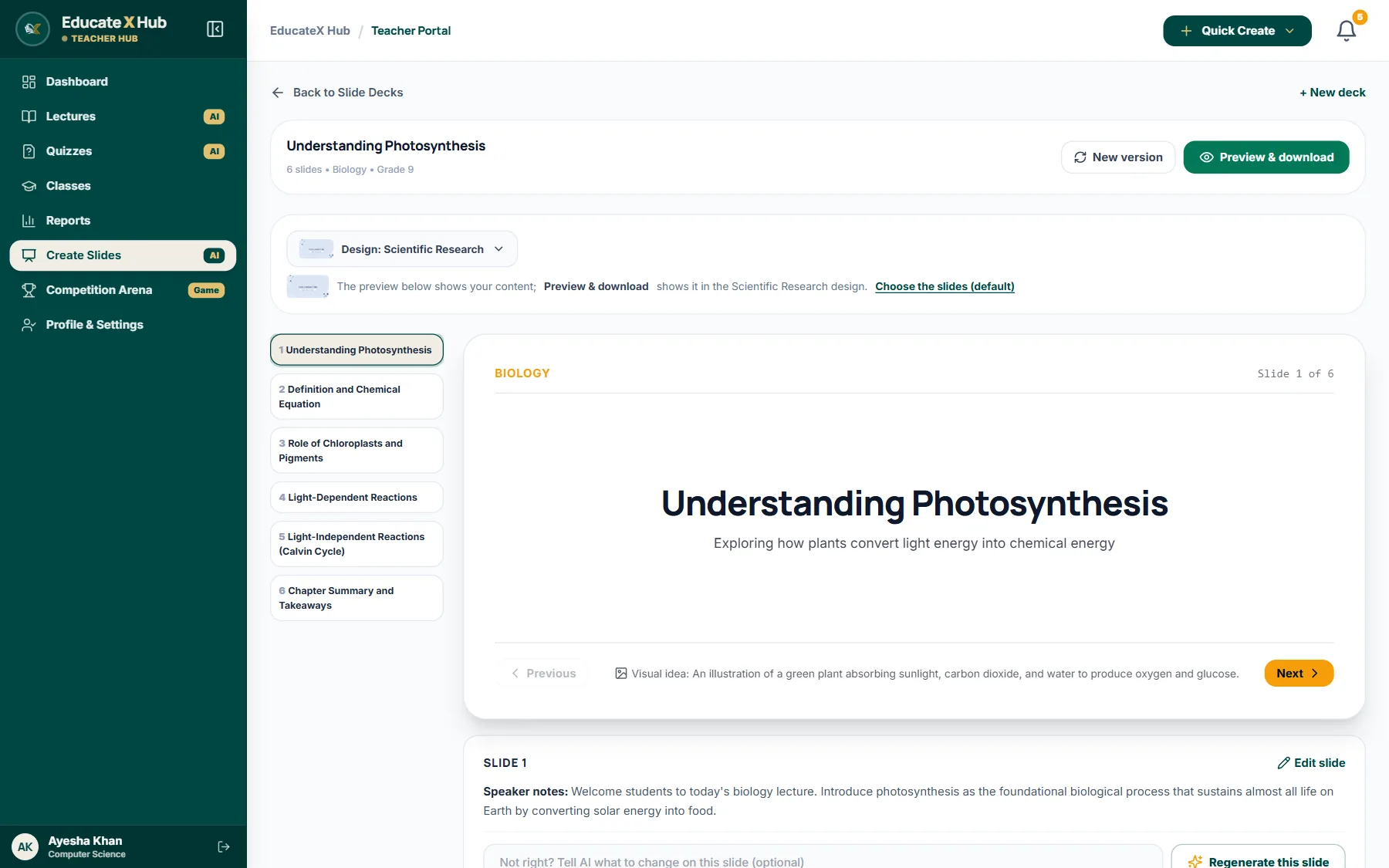
Turn a topic into a slide deck with speaker notes, then edit it and download it as PowerPoint.
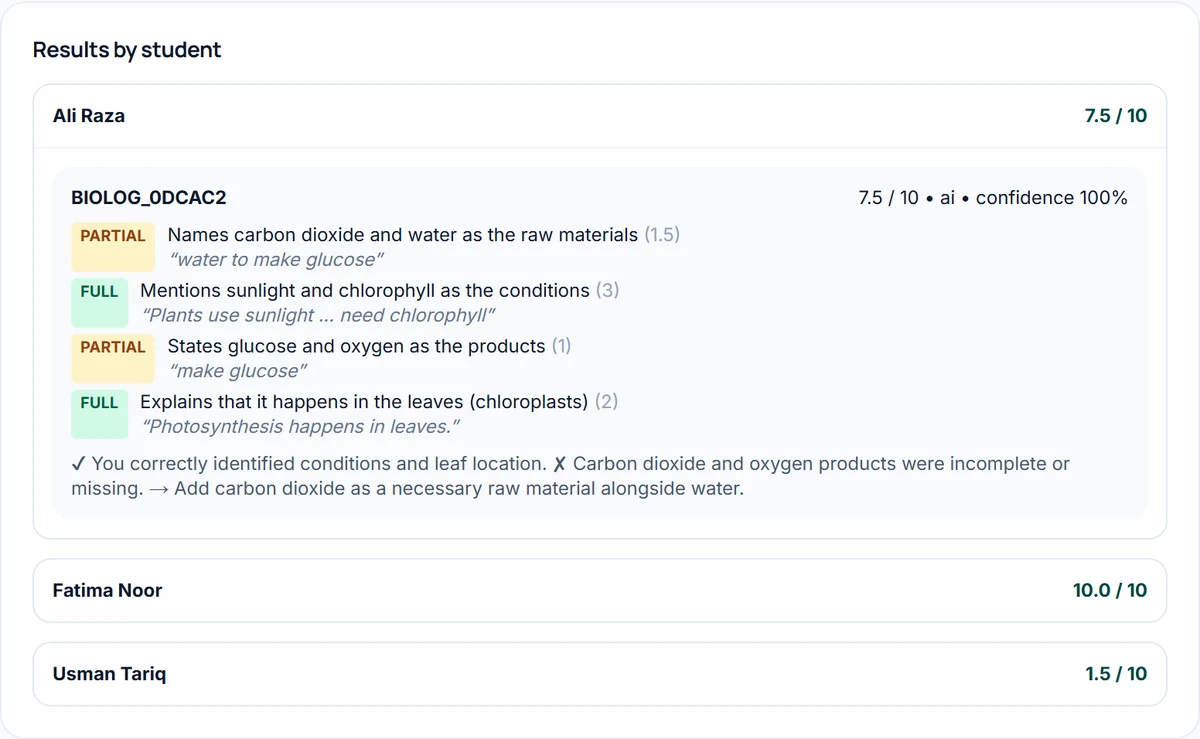
Students write their answers. AI marks each one against your rubric, point by point, and you release the results.
Students join with a PIN or a QR code, answer on their own phones and see their result card at the end.
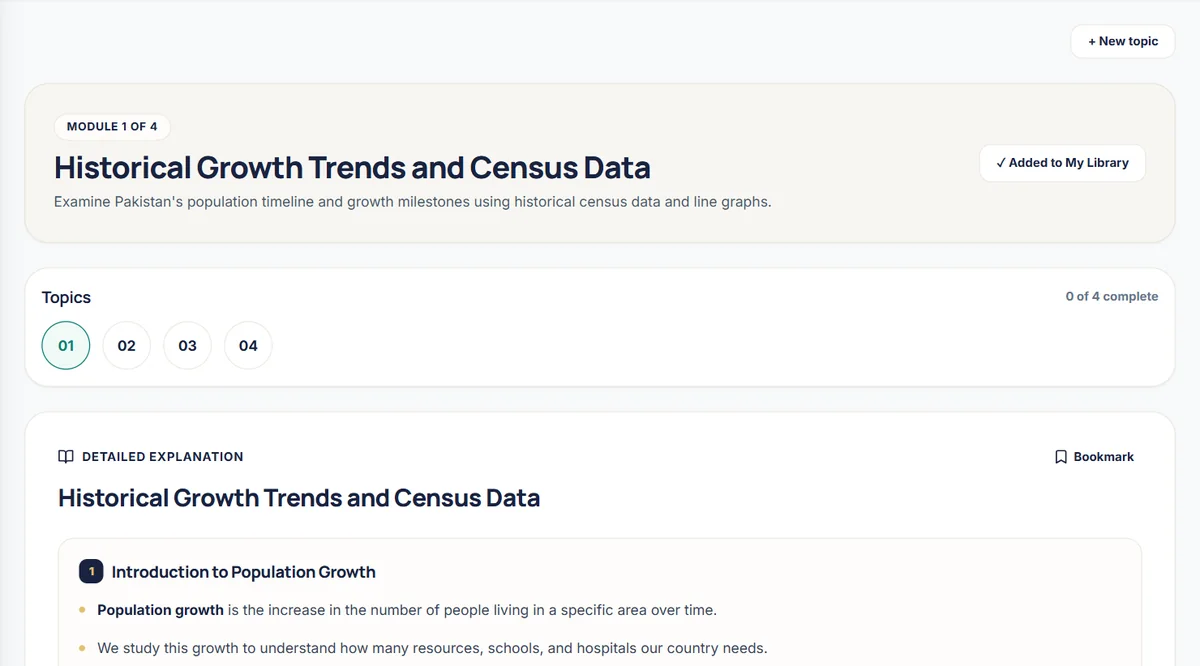
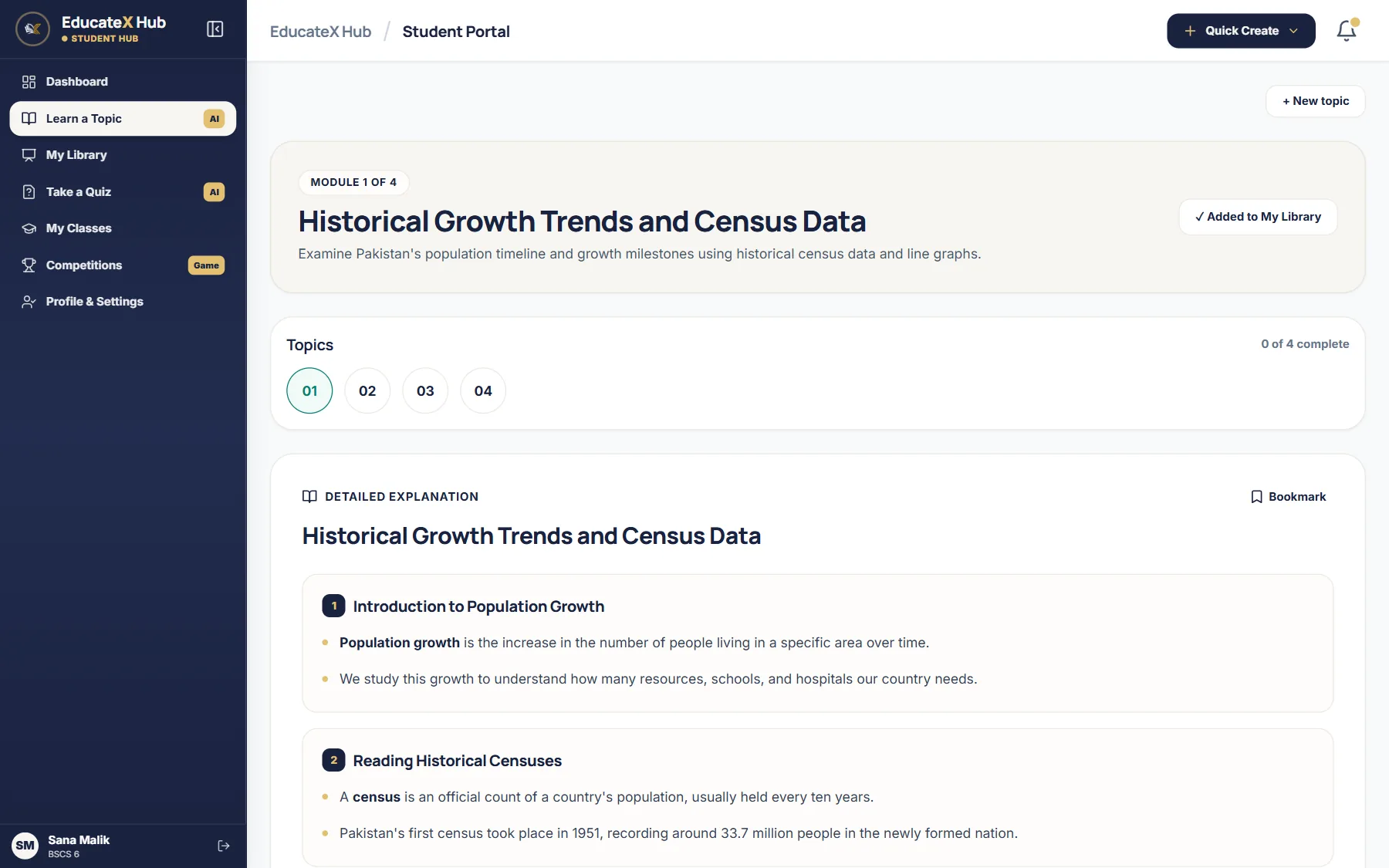
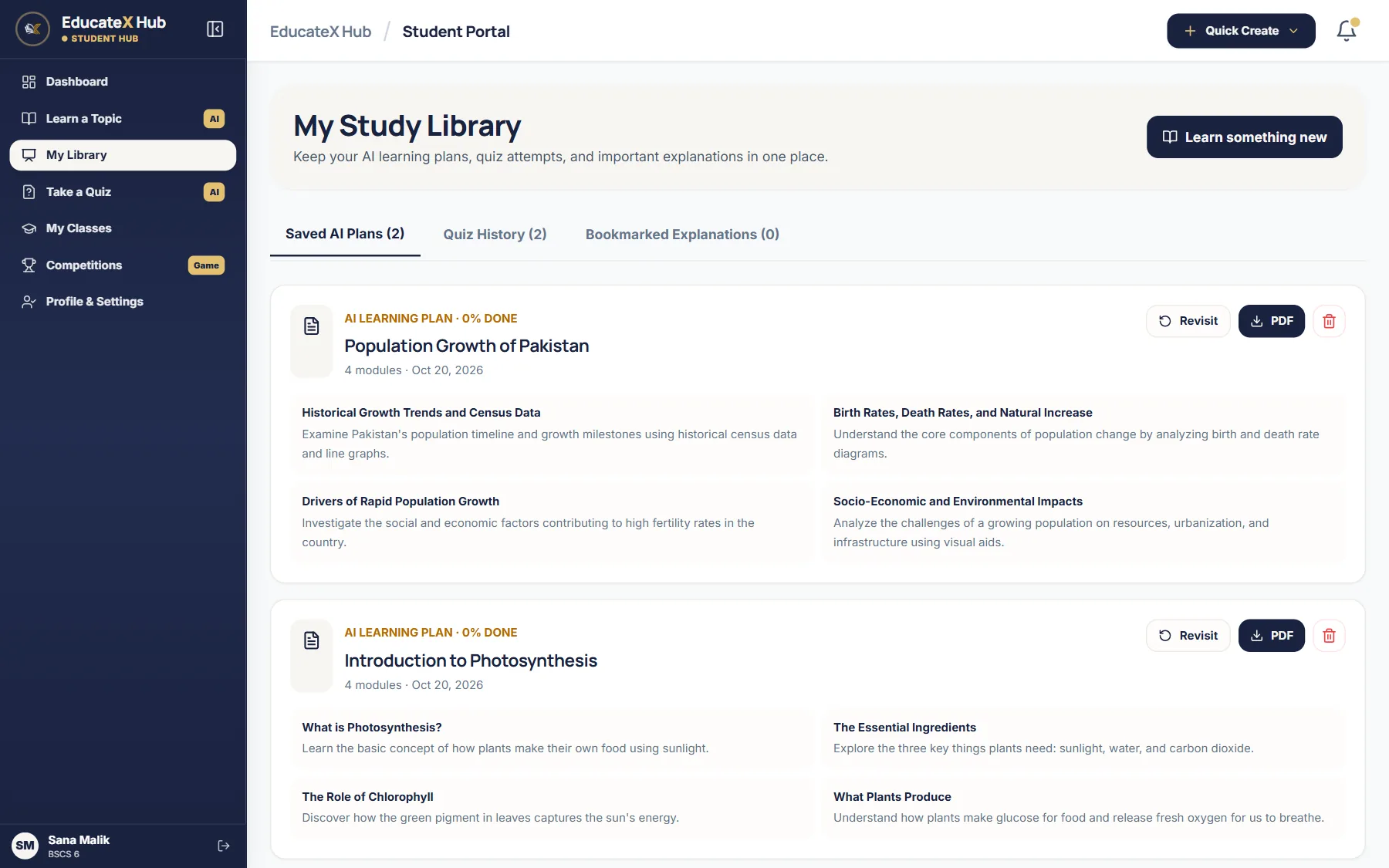
Students turn any topic into a short plan of modules with clear notes, examples and a chart when it helps.
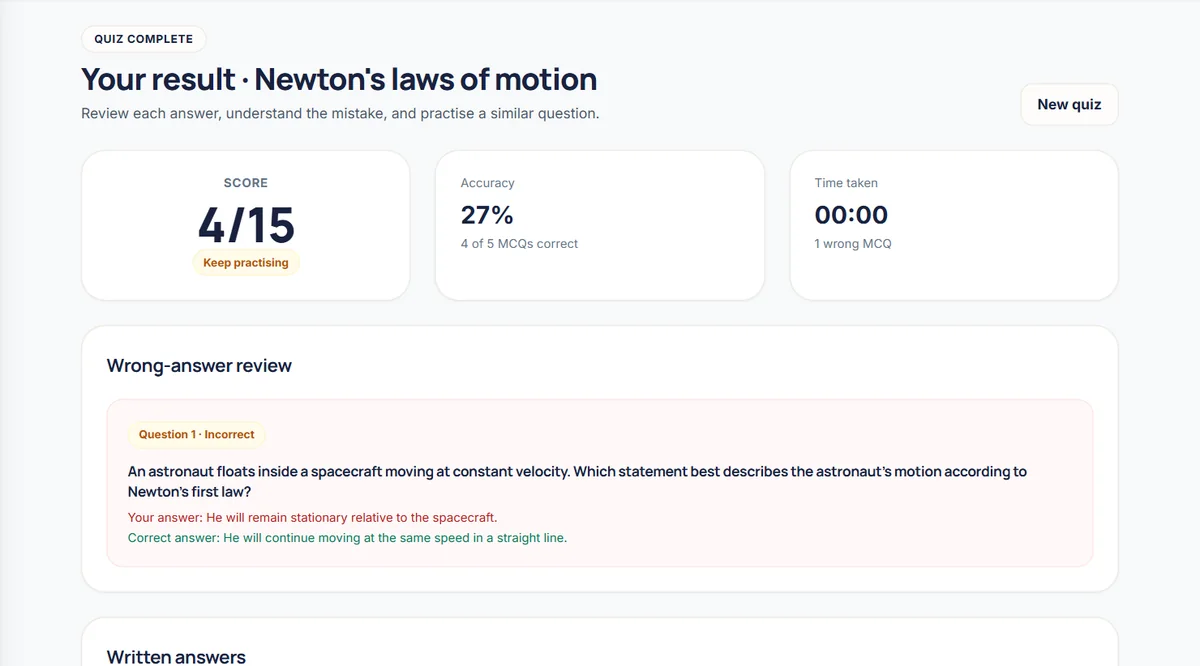
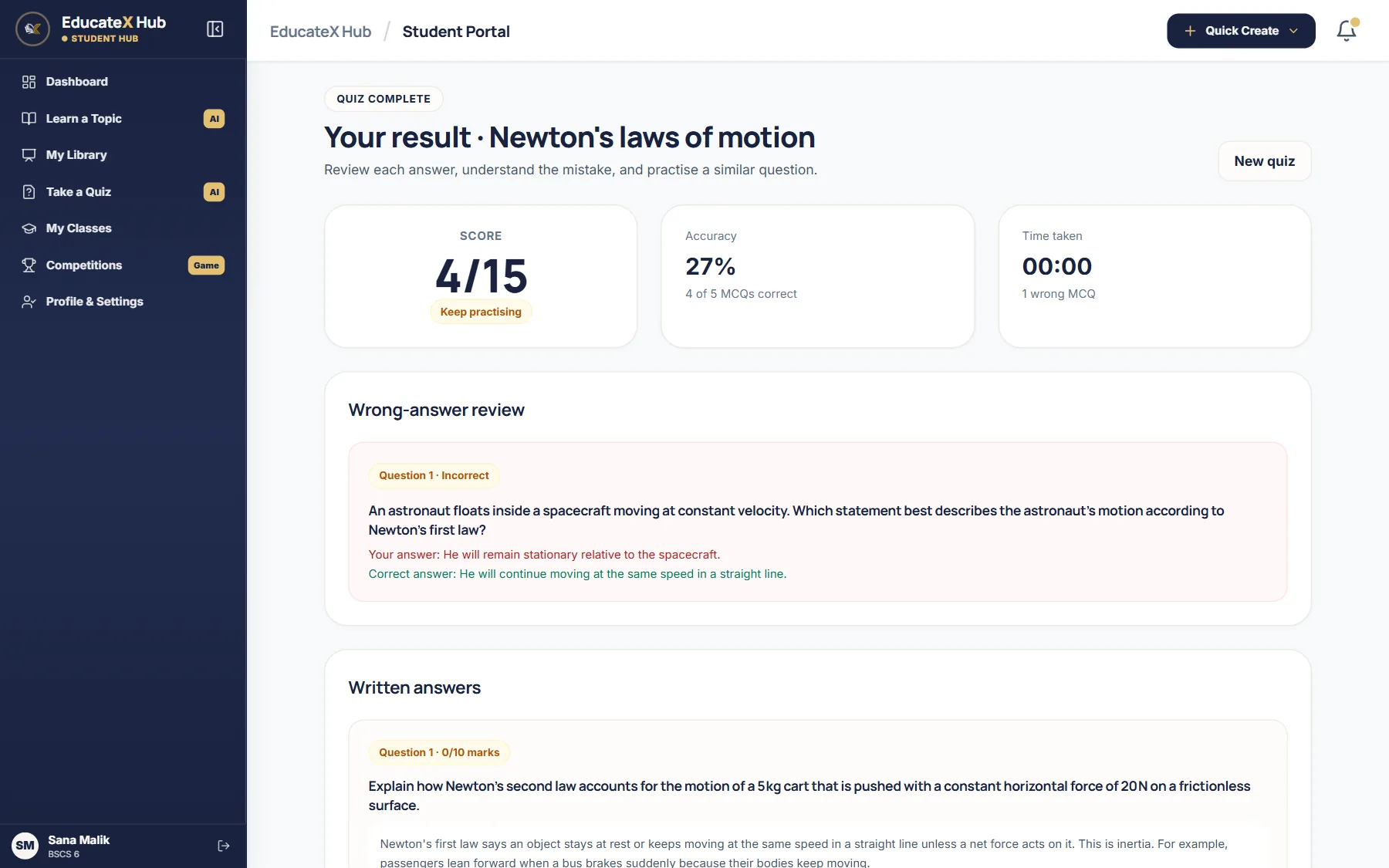
Practice quizzes from a topic or a file, with every mistake explained after the quiz.
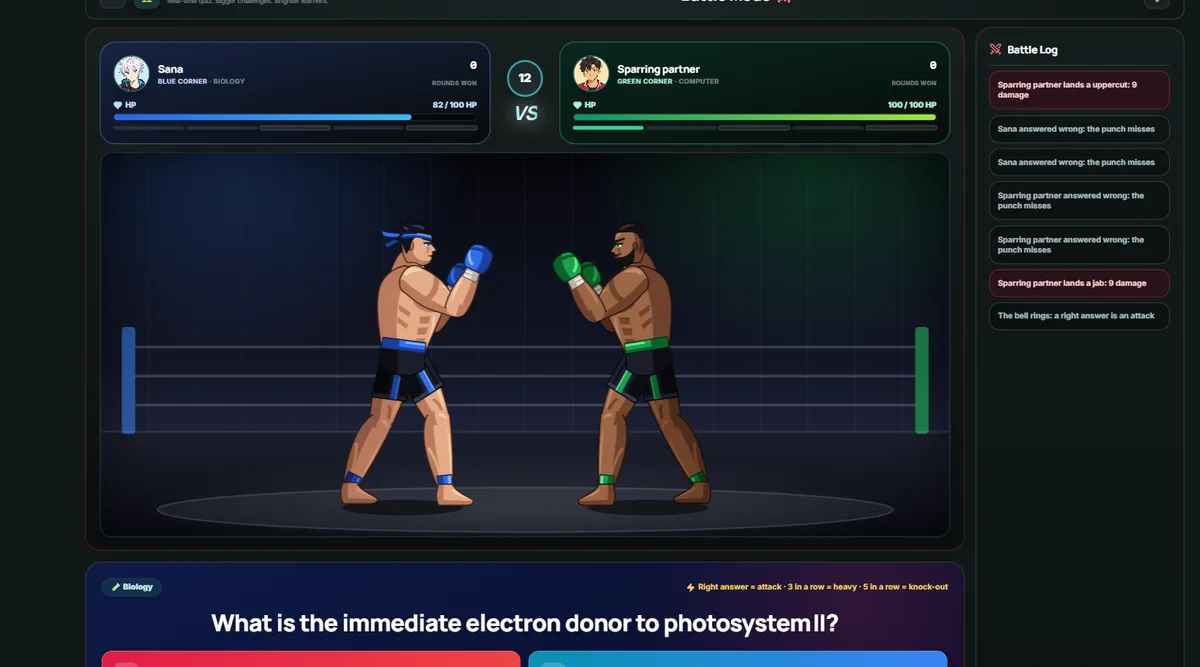
Questions turn into a race, a duel or a word hunt, live with the class or solo for practice.
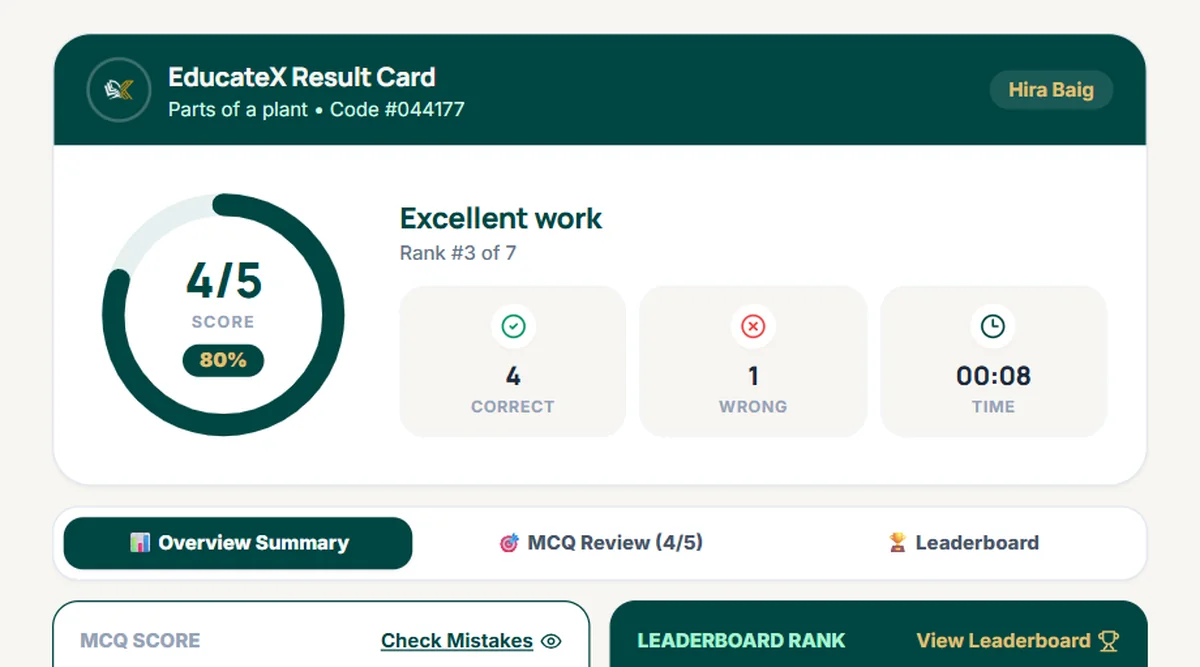
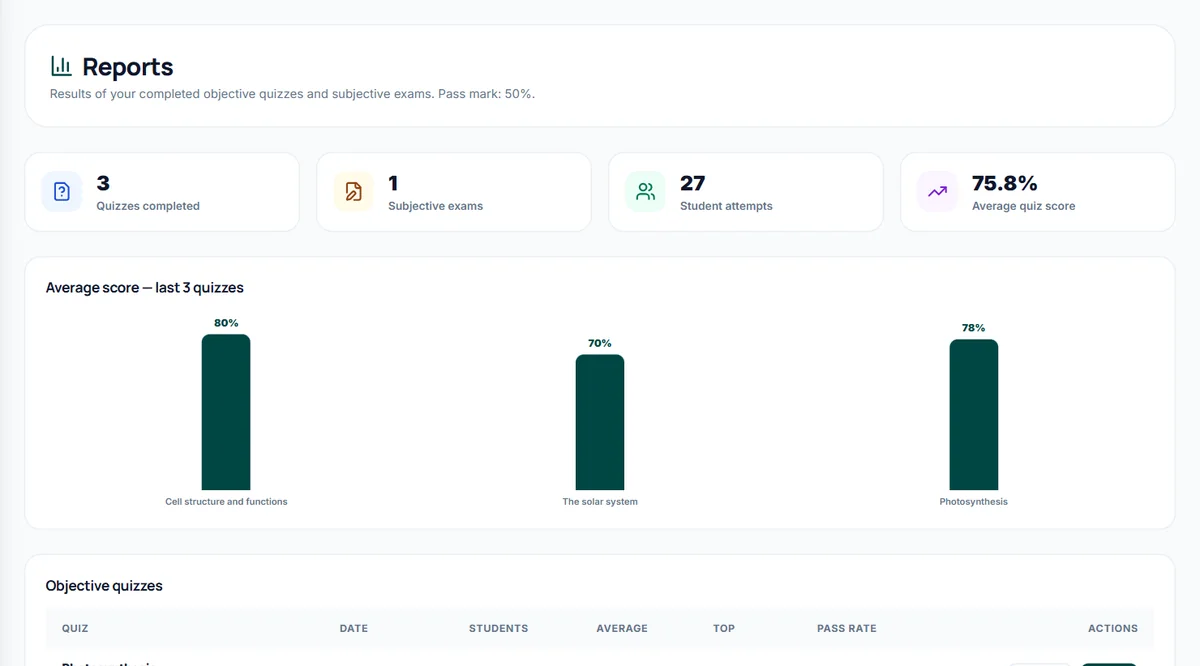
Reports show every quiz, the class average, the pass rate and each student's answers.
Explore the platform
Pick a tool to see the real screen.
Teaching and assessment tools
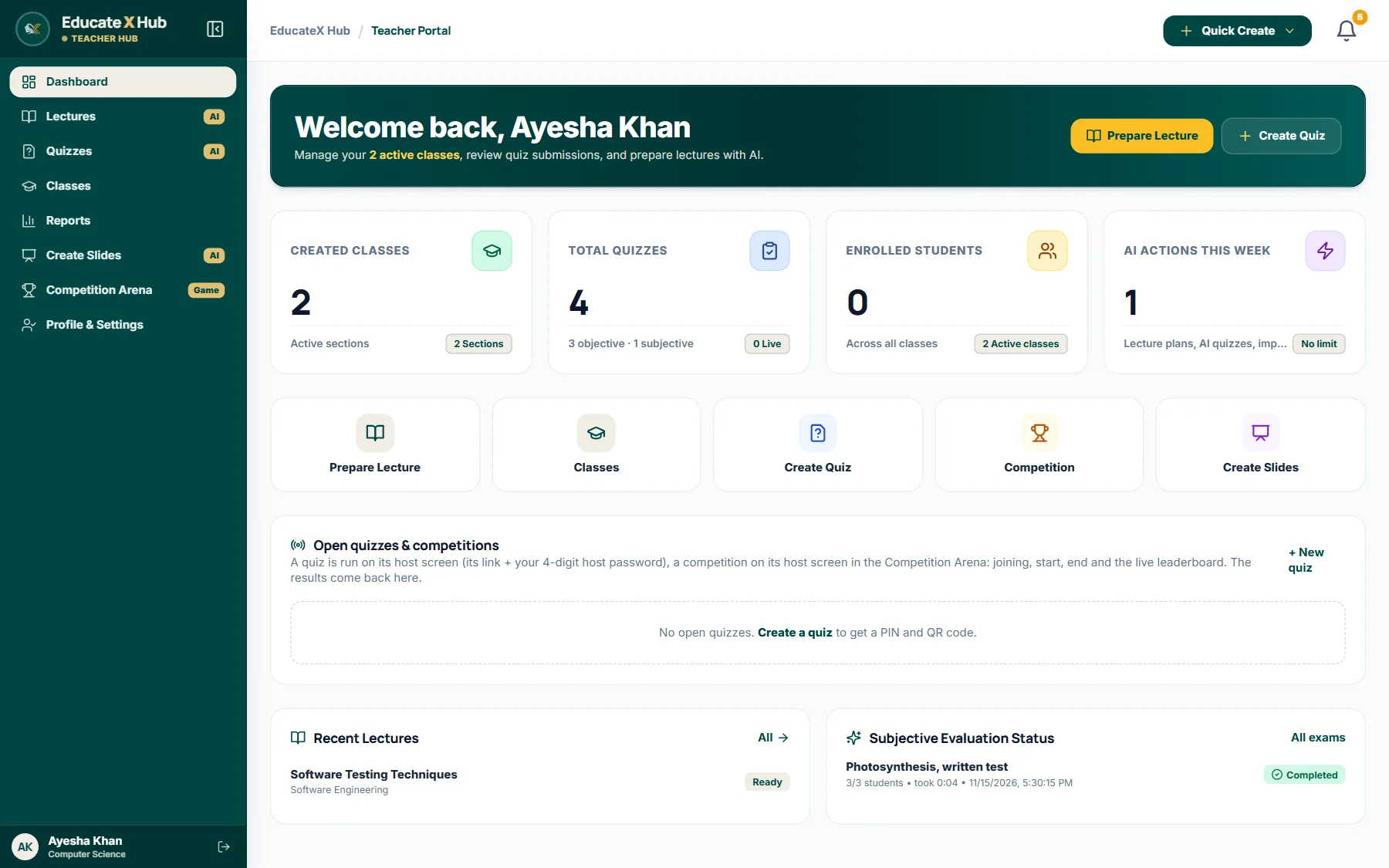
Classes, quizzes, students and AI work of the week at a glance.
Learning and practice
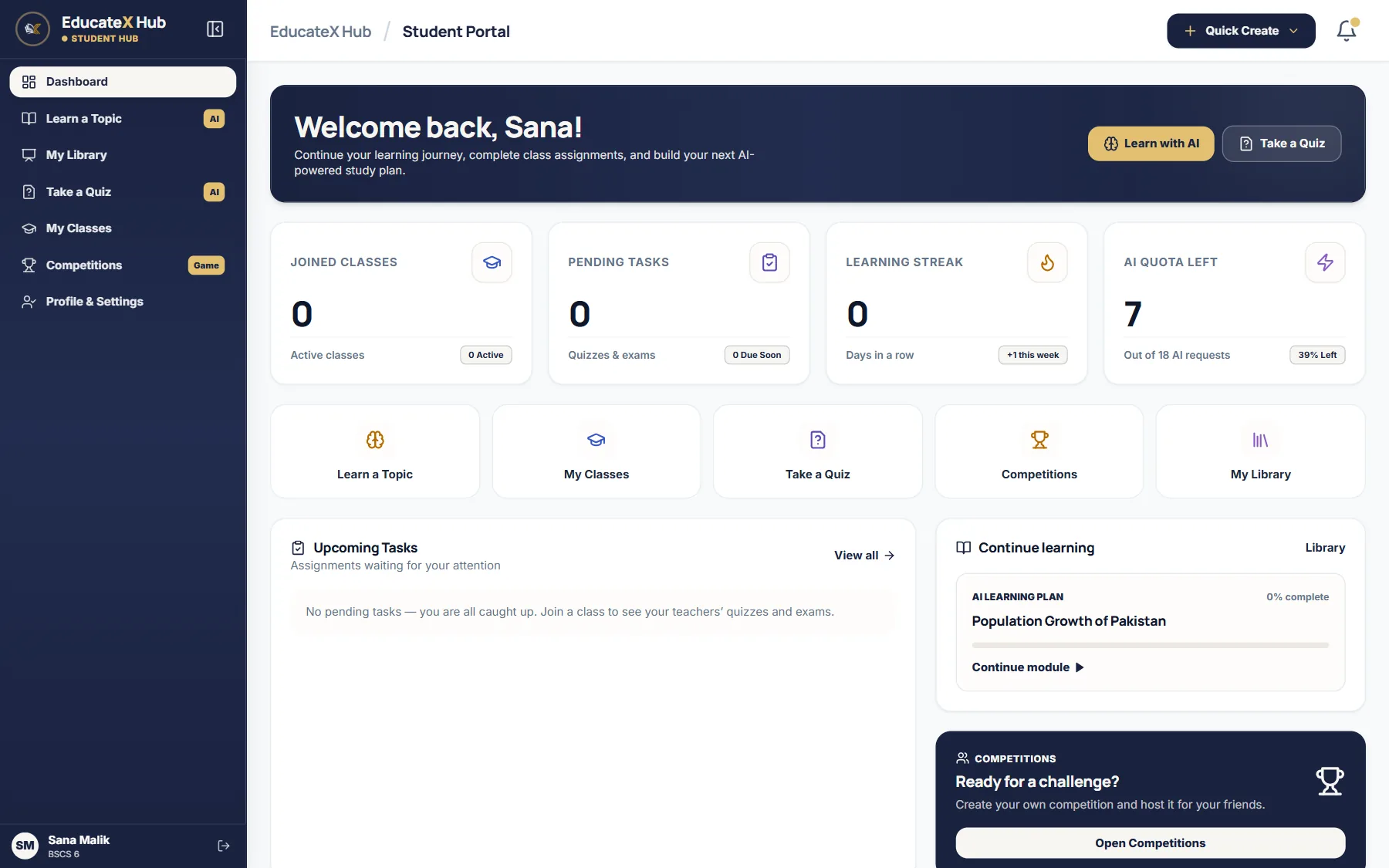
Tasks from teachers, your streak and the lesson you left open.
Create, challenge and play together
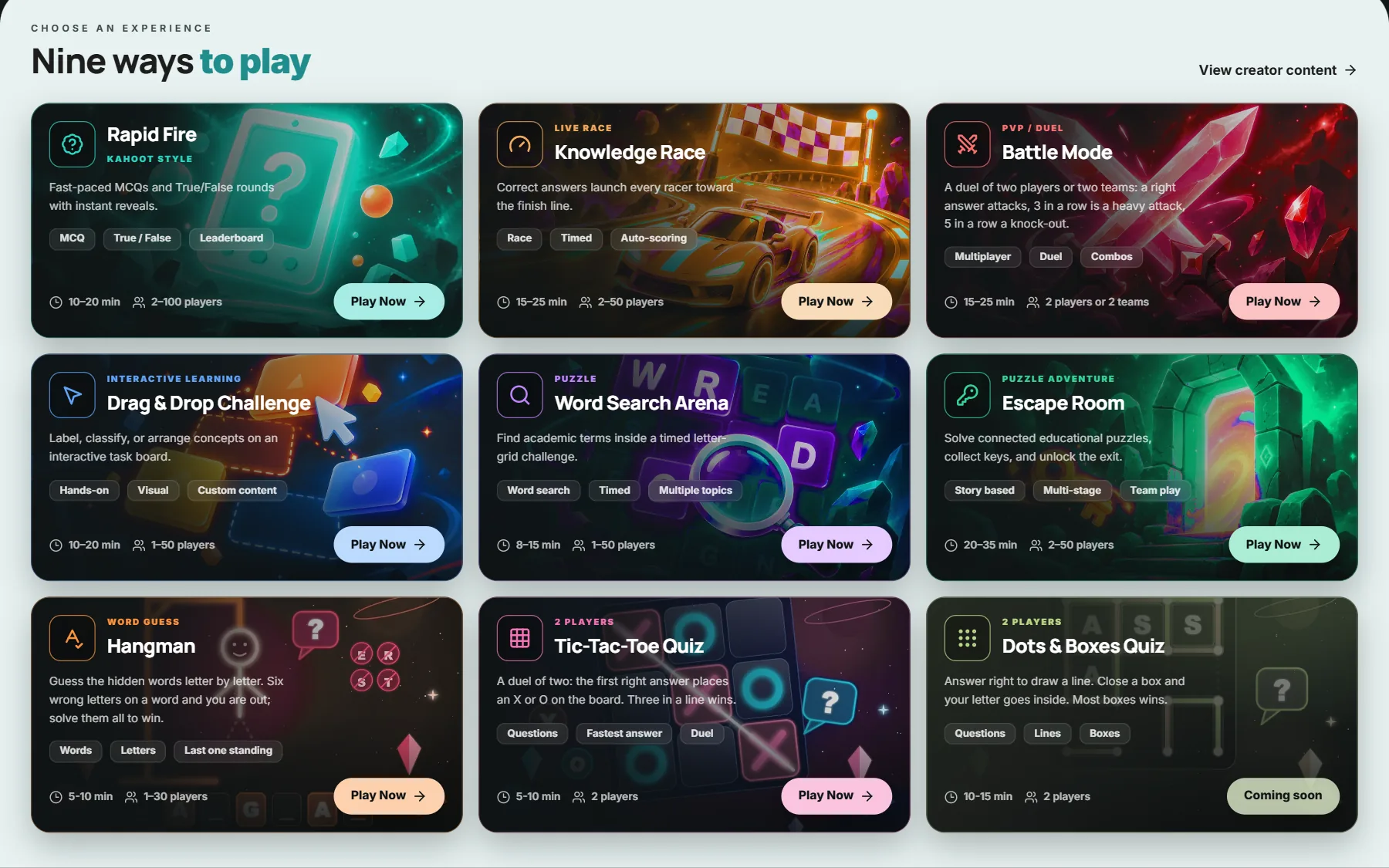
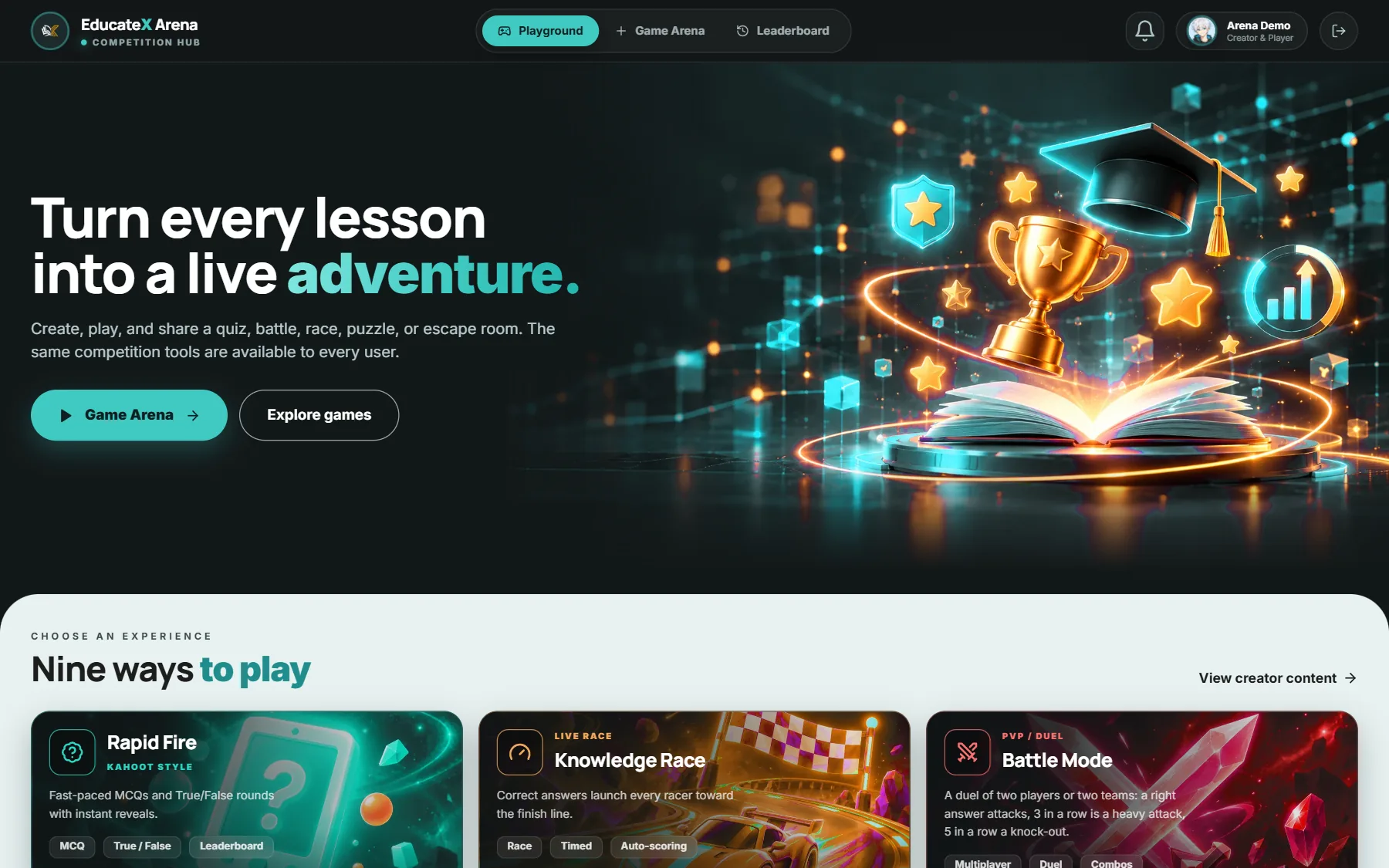
All nine games in one place. Pick one and press Play now.
Game arena
Nine games built on the same questions you teach. Play live with the whole class, or alone to practise.
 Quiz gamesPlay solo
Quick multiple choice and true or false rounds, with the answer shown after each one.
 Quiz gamesPlay solo
Every right answer pushes your car closer to the finish line.
 Quiz gamesPlay solo
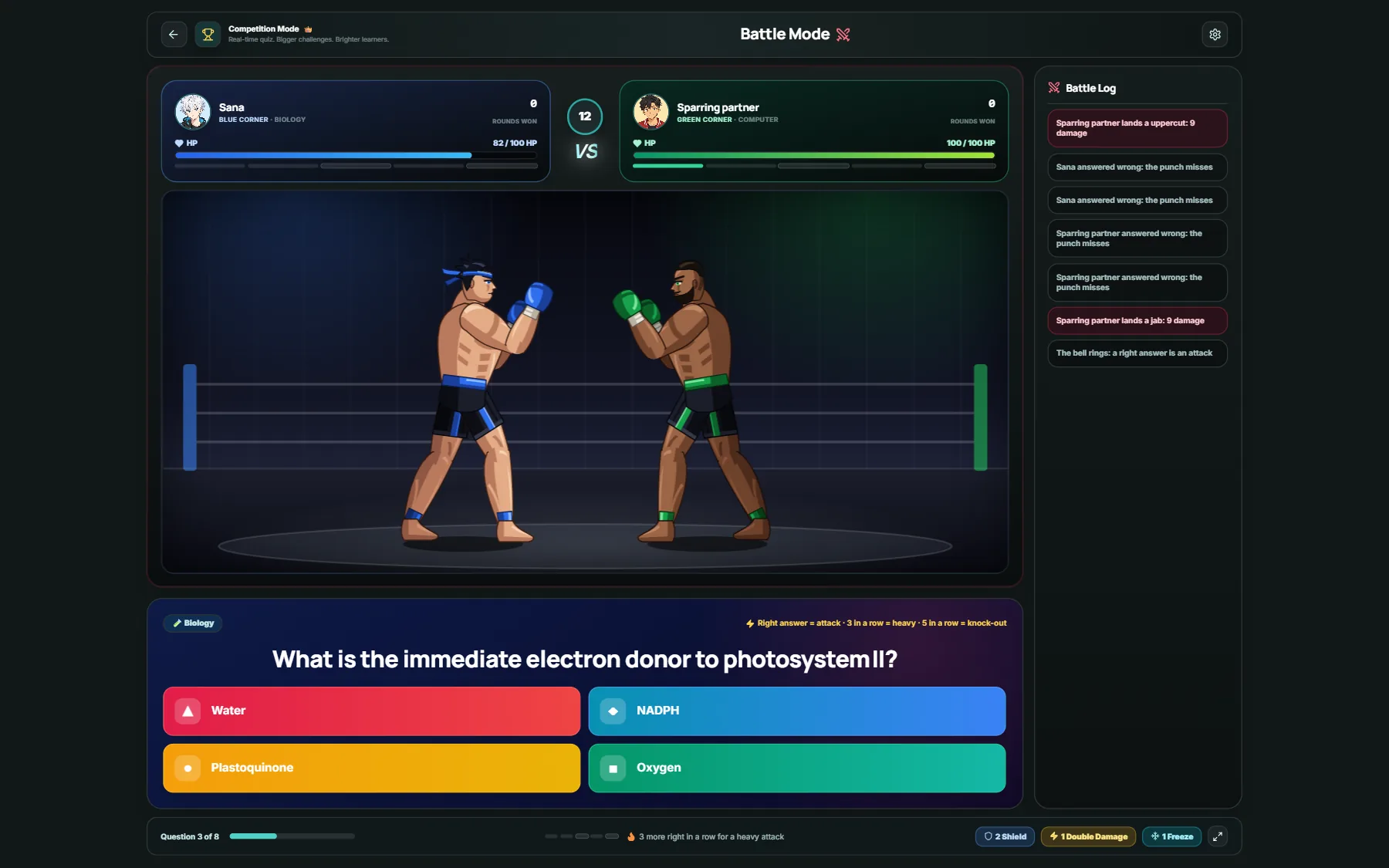
A duel where a right answer lands a punch. Three in a row is a heavy hit.
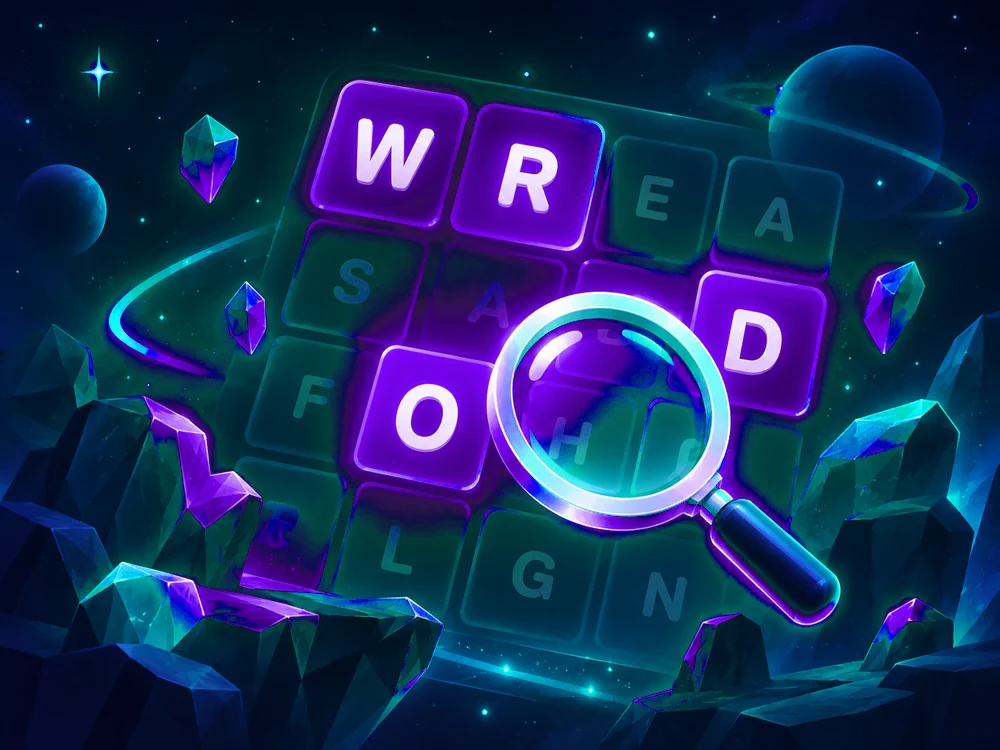 Word gamesPlay solo
Find the key words of the topic hidden in a grid of letters.
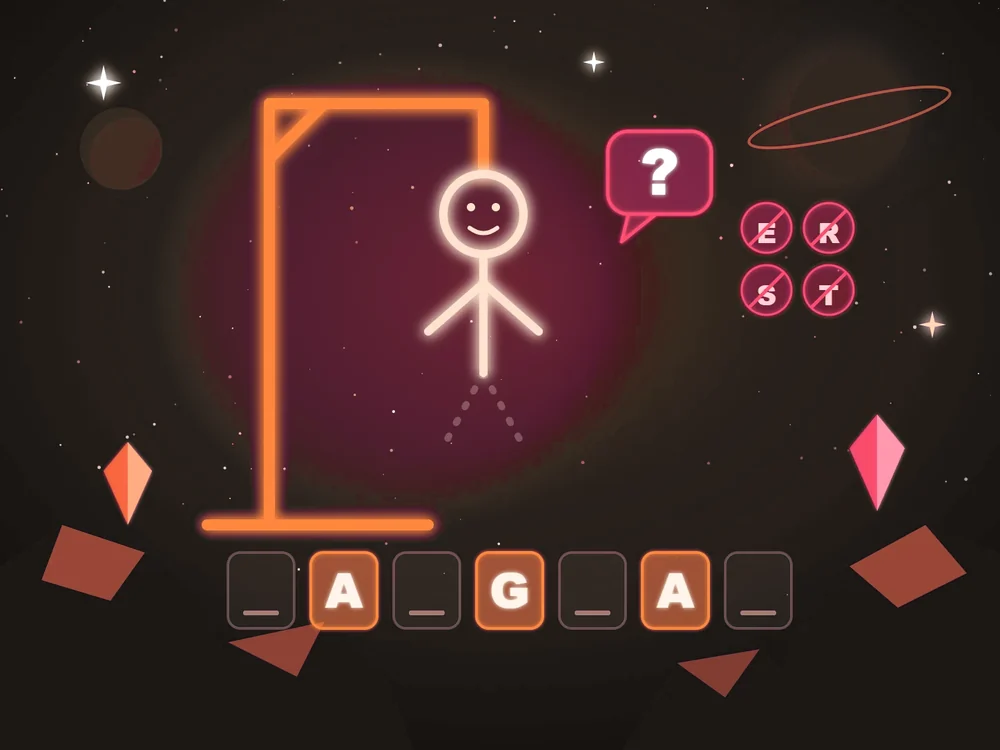 Word gamesPlay solo
Guess the key words letter by letter before the drawing is finished.
 Puzzles
Label, sort or put ideas in order on a board.
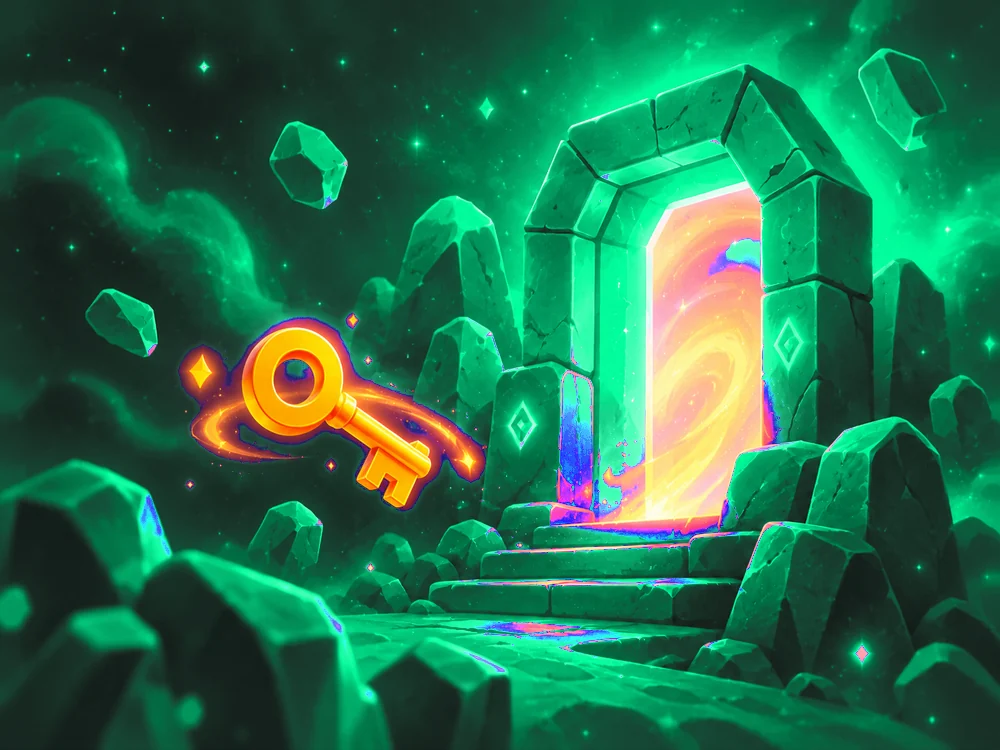 Puzzles
Solve linked puzzles, collect the keys and unlock the exit.
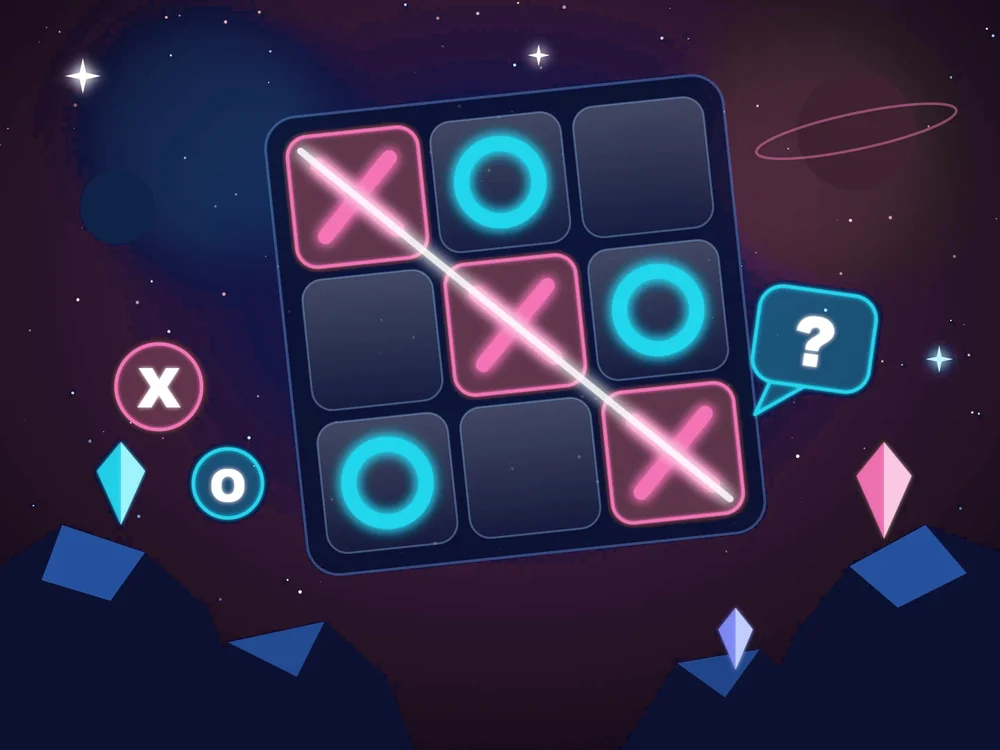 Strategy
Answer first to place your mark. Three in a line wins.
 Strategy
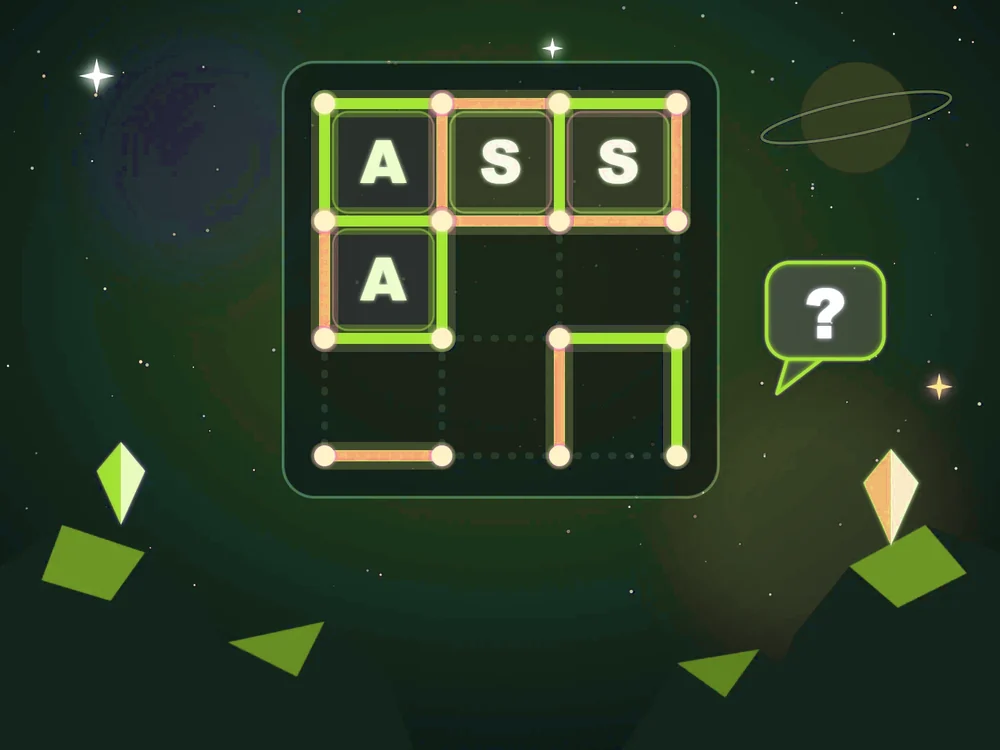
Answer right to draw a line. Close a box and it is yours.
Real screens
No mockups. These are the screens teachers and students use.
The teacher dashboard: classes, quizzes, students and recent lectures.
How it works
Sign up with your email or Google. Every new account starts on the free plan.
Join as a teacher or a student. Anyone can join a game with just the code.
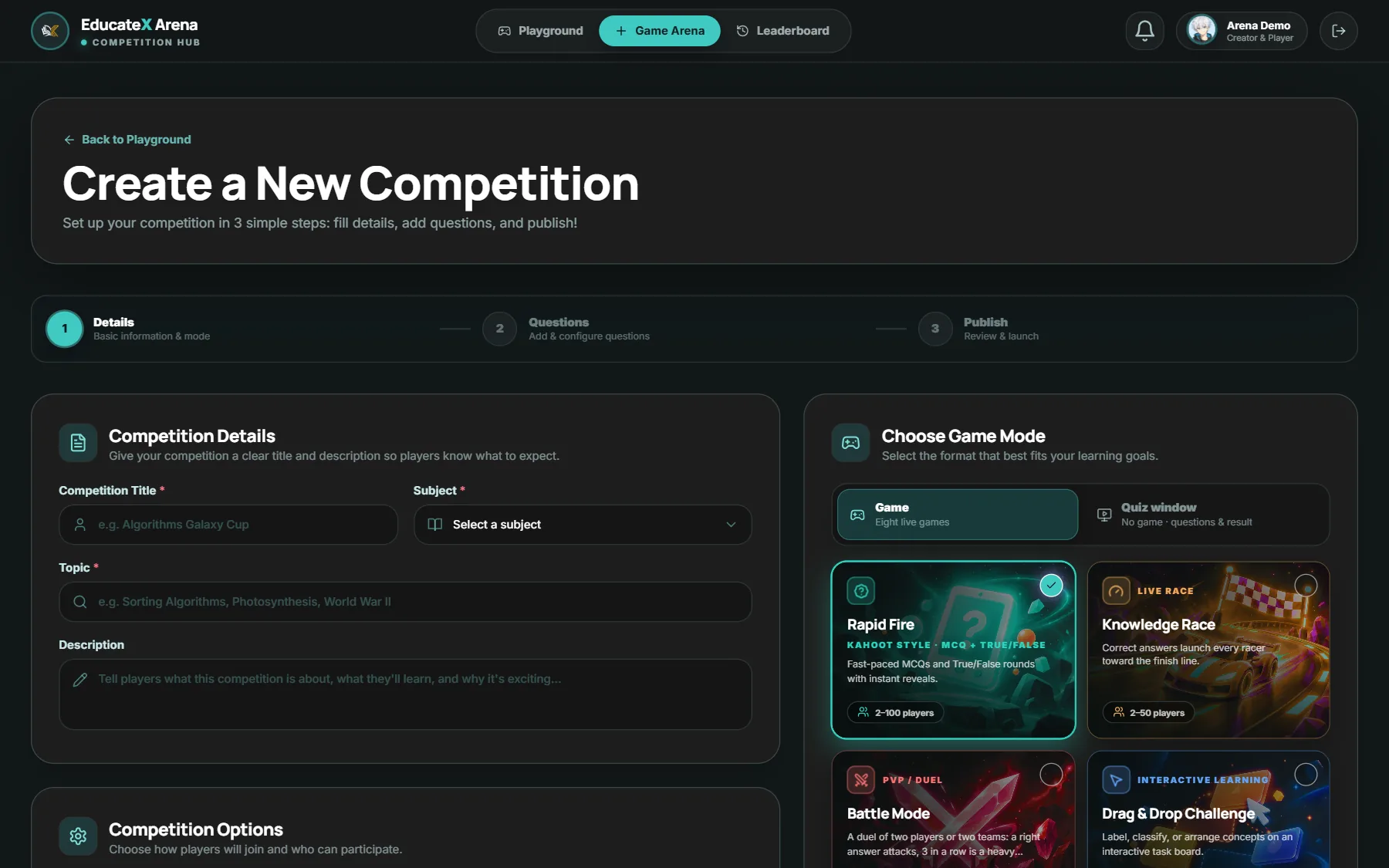
Make your first lesson, quiz or game from your dashboard. Quizzes and games are shared with a code.
One place for the lesson, the quiz that checks it and the game your class remembers.
Why EducateX Hub
EducateX Hub is a teaching and learning platform with a game arena built in. Teachers prepare and assess, students learn and practise, and both meet in the same games.
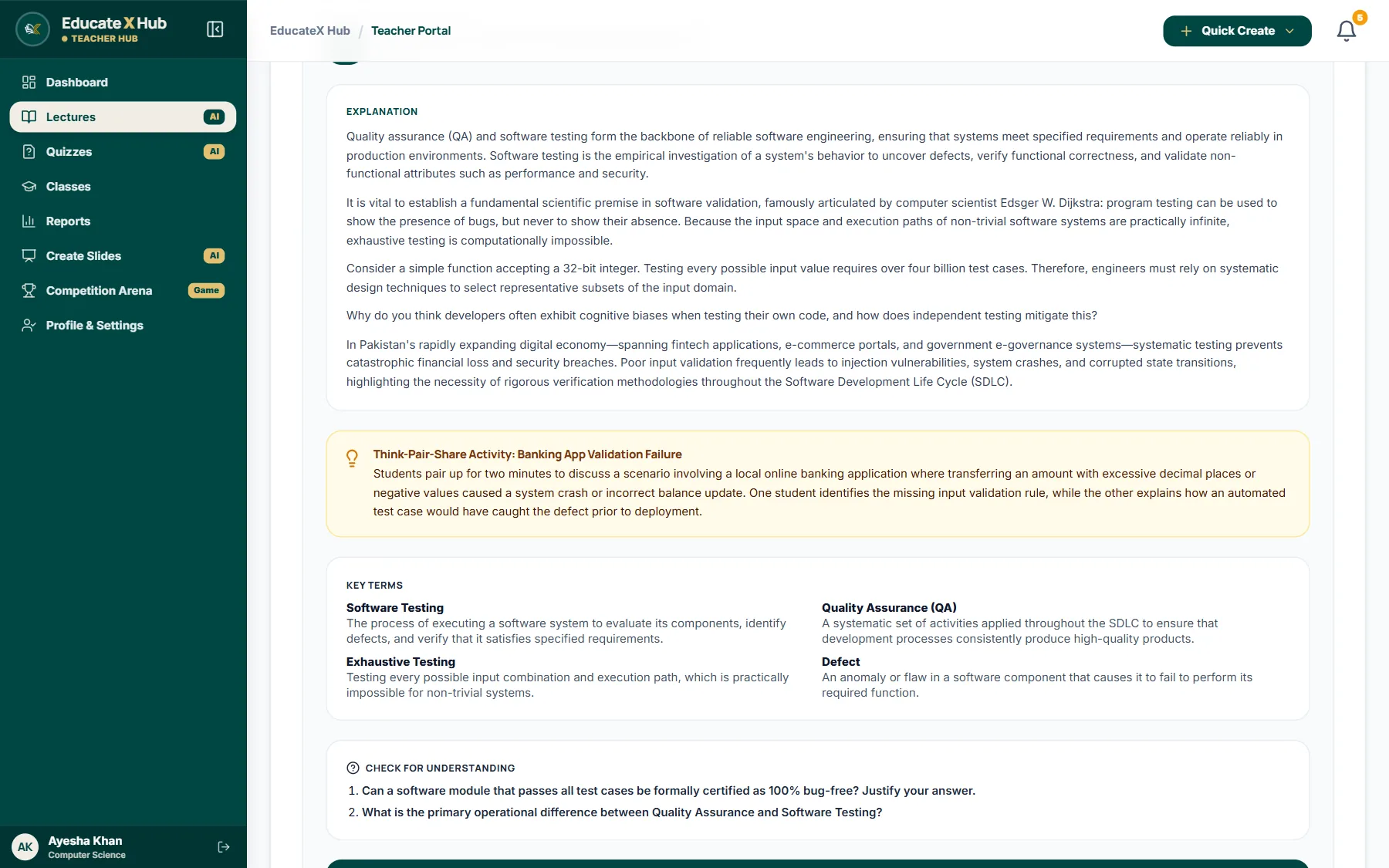
Lessons come in short headed sections with the key words in bold, and a chart or table when the topic needs one.
Describe the topic once. AI drafts the lecture plan, the slides and the quiz, and you edit before anything goes out.
Nine games turn the same questions into a race, a duel or a word hunt, on the big screen or on your own.
Students join a class or a game with a short code. Nothing to install, it works in the browser on any phone.
Plans
Start free. Move up when you want more AI each month.
Lectures, slides, quizzes and checking, with AI.
FAQ
Common questions from teachers, students and institutions.
Yes, every new account starts on the free plan, which includes the AI tools with a monthly limit. No card is needed to sign up. When you need more, you can move to a paid plan from Billing.
No. Open Join a game, type the code your teacher shows and pick a nickname. A student account is only needed to keep your lessons, quizzes and results.
Yes. A quiz gets a PIN and a QR code. The host screen shows who has joined, runs the timer and keeps a live leaderboard. You can also schedule a quiz or keep it as a draft.
Each answer is marked against a rubric, point by point, so students see their marks and exactly which points were missing.
Lecture plans and slide decks can be written in English, Urdu or a mix of both.
Yes. Upload a PDF, Word or PowerPoint file up to 5 MB, choose the whole file or one topic, and set how many MCQs and written questions you want.
A teacher creates a class and shares its join code. Students join with the code, and the class gets its own roster, quizzes, exams and announcements.
Lessons you save go to My Library, where you can open them again or download them as a PDF. Your practice quizzes and results stay in your quiz history.
Create a free account and make your first lesson today, or jump into a game your teacher has already started.